Payment Plan Type
Administration > Parks & Rec Setup > Payment Plan Type
Payment Plan Type creates user-defined payment plans that may be associated with program offerings. Available payment plan types are determined by your organization.
If you select the Require Supplemental Data check box, you must complete the Supplemental Data Name field.
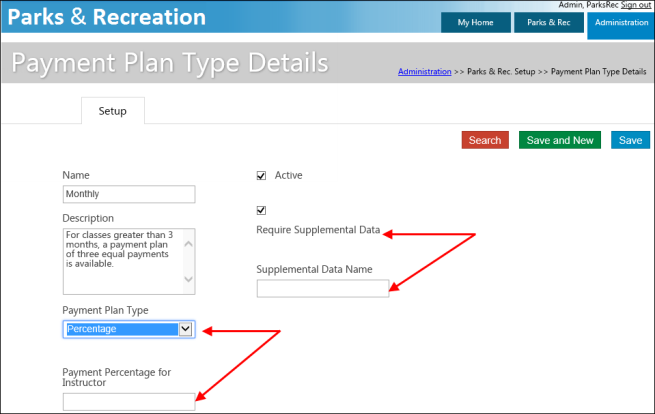
When you add or update a payment plan type, you must complete the Payment Plan Type field by selecting Percentage or Flat Fee. If you select Percentage, the Payment Percentage for Instructor field is made visible and requires an entry. If you select Flat Fee, when you are adding an instructor to a class on the Class Details page, you must complete the Amount field on that page.